Audio-Visual Walkthroughs
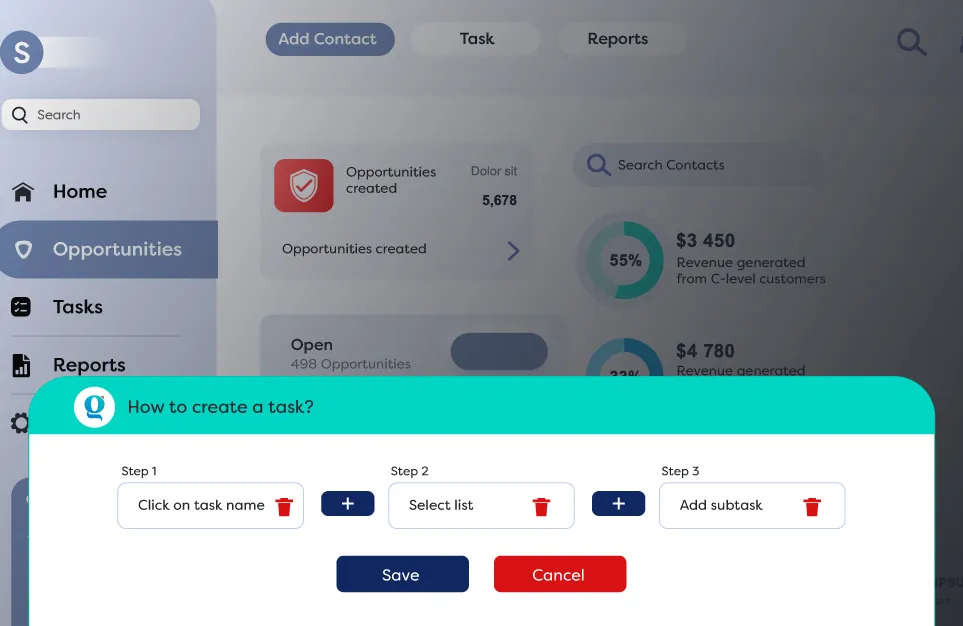
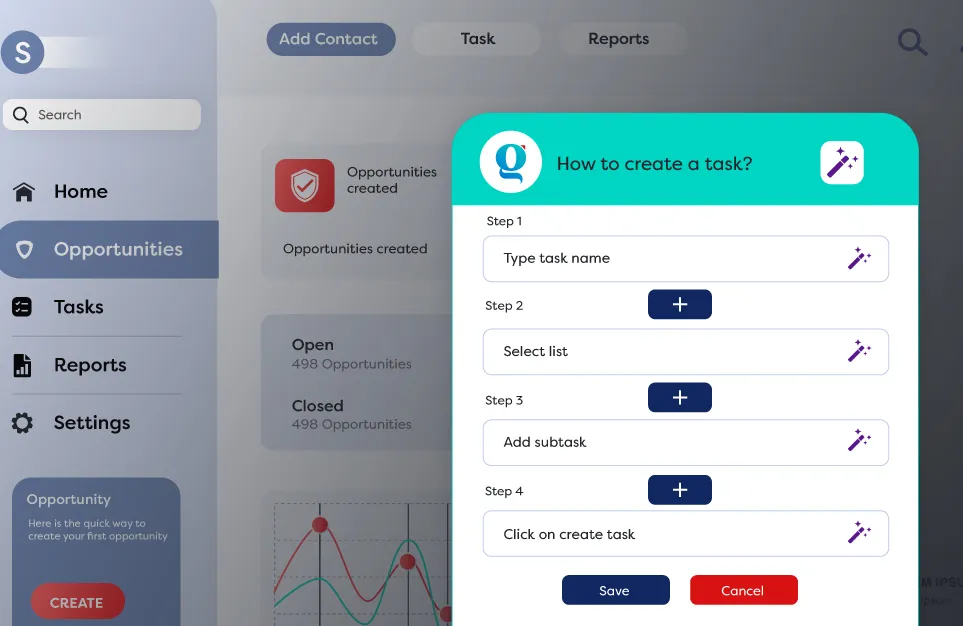
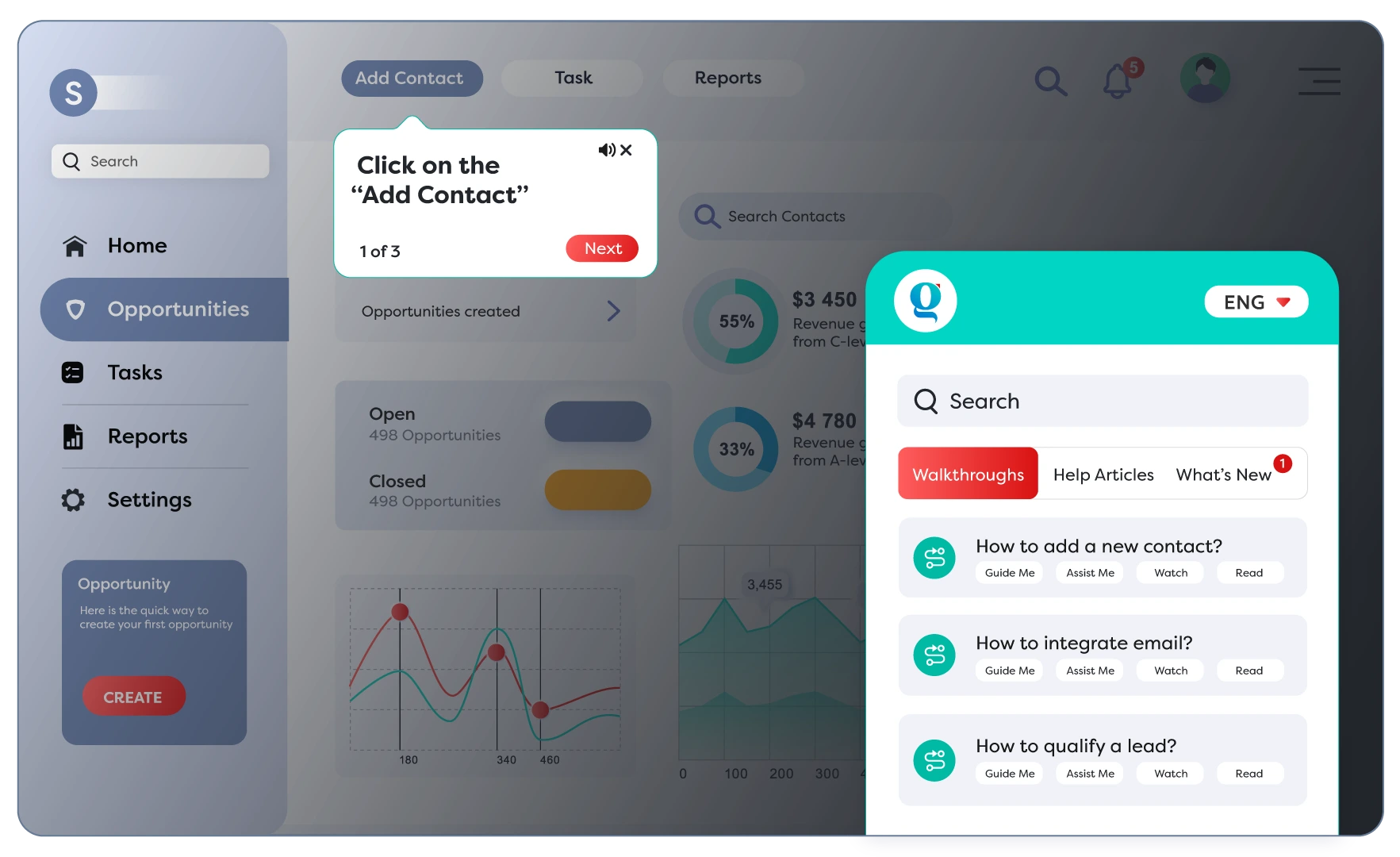
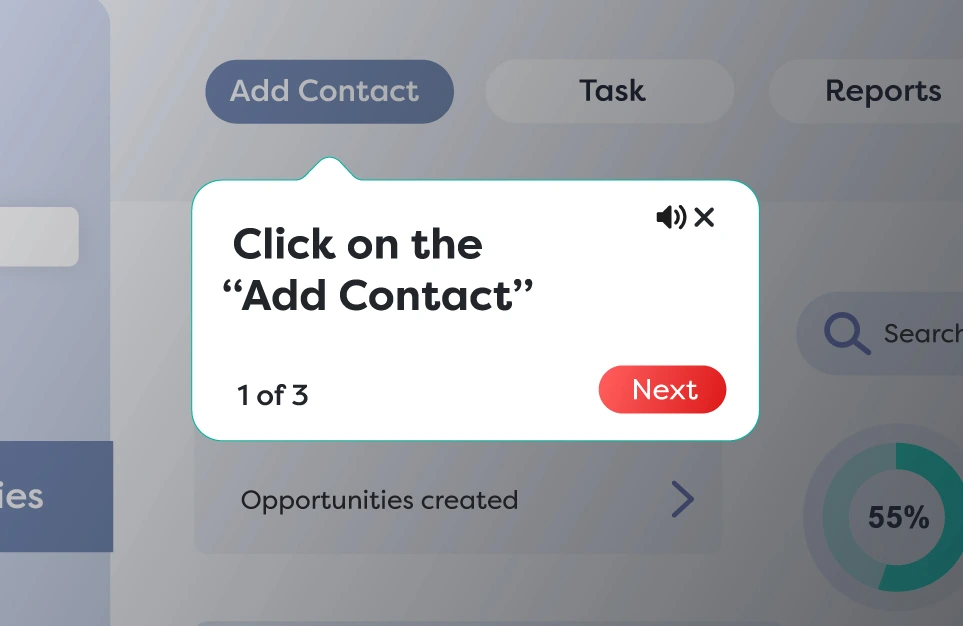
Deliver process guidance with clear visuals and voice instructions directly inside the app, helping users learn on the job.
- Makes complex tasks easy to understand.
- Reduces dependency on external training or manuals.
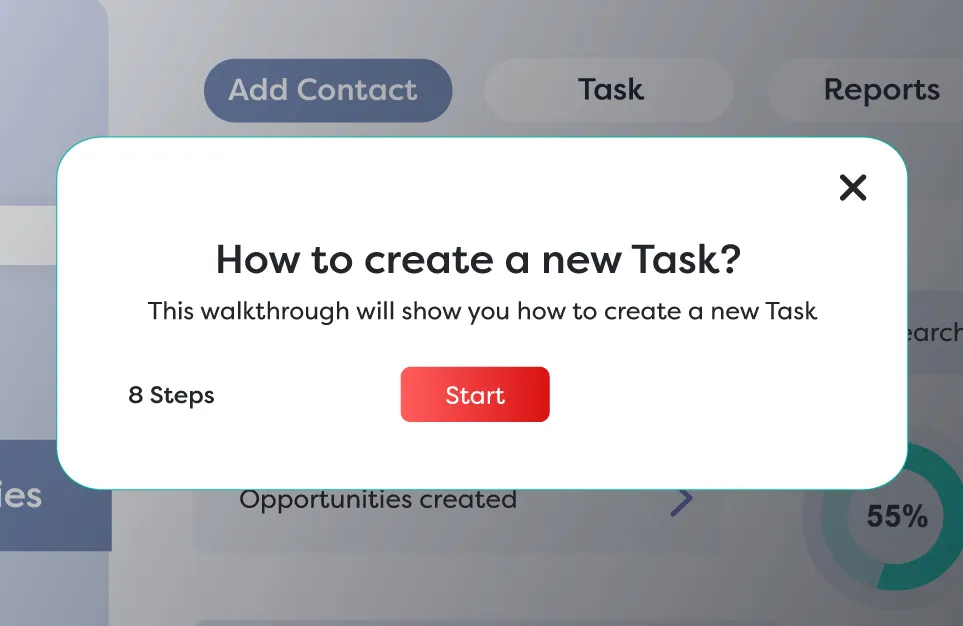
Auto-Trigger Walkthroughs
Automatically launch walkthroughs based on user actions or specific conditions to deliver timely guidance.
- Offers guidance at the right moment without user effort.
- Ensures smoother onboarding and fewer errors.
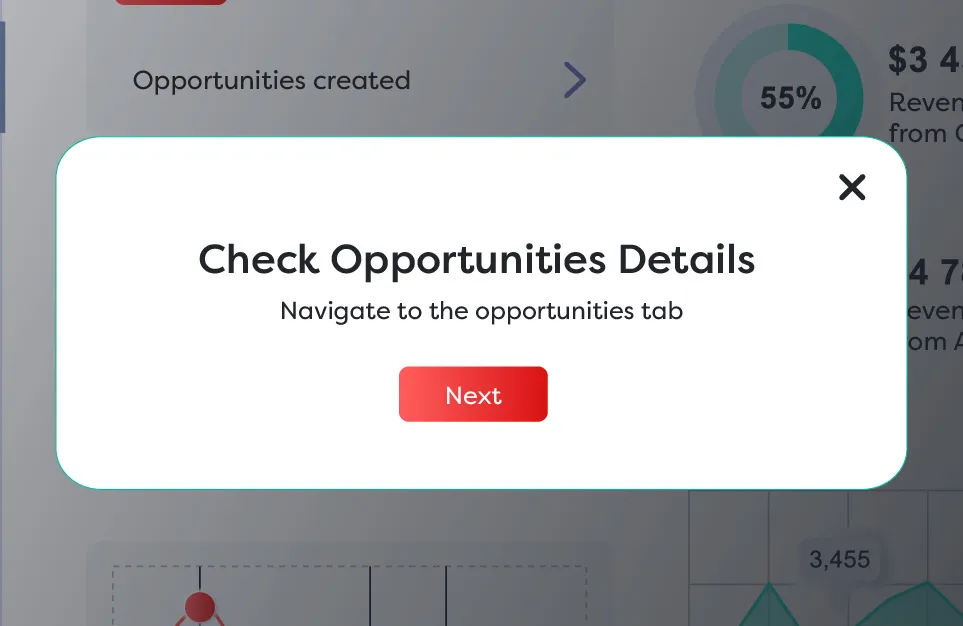
Conditional Walkthroughs
Adjust walkthroughs dynamically based on user decisions during a task, creating a personalized learning experience that adapts to individual needs.
- Shows only relevant steps to each user.
- Speeds up task completion with focused support.
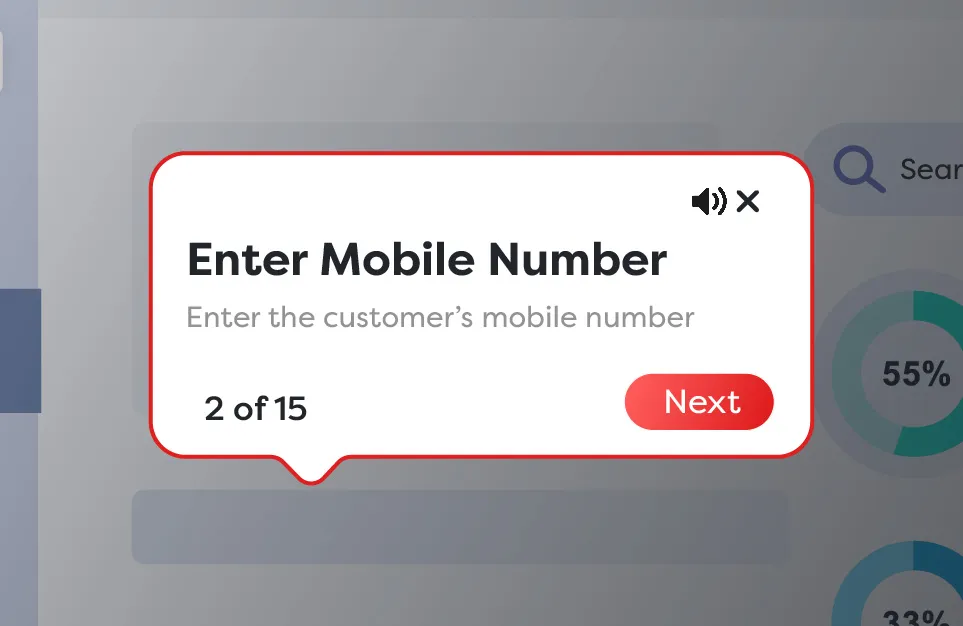
Critical Steps
Highlight key steps in a walkthrough by changing their color, making them stand out, and helping users avoid mistakes during the process.
- Prevents costly mistakes.
- Improves completion rates.
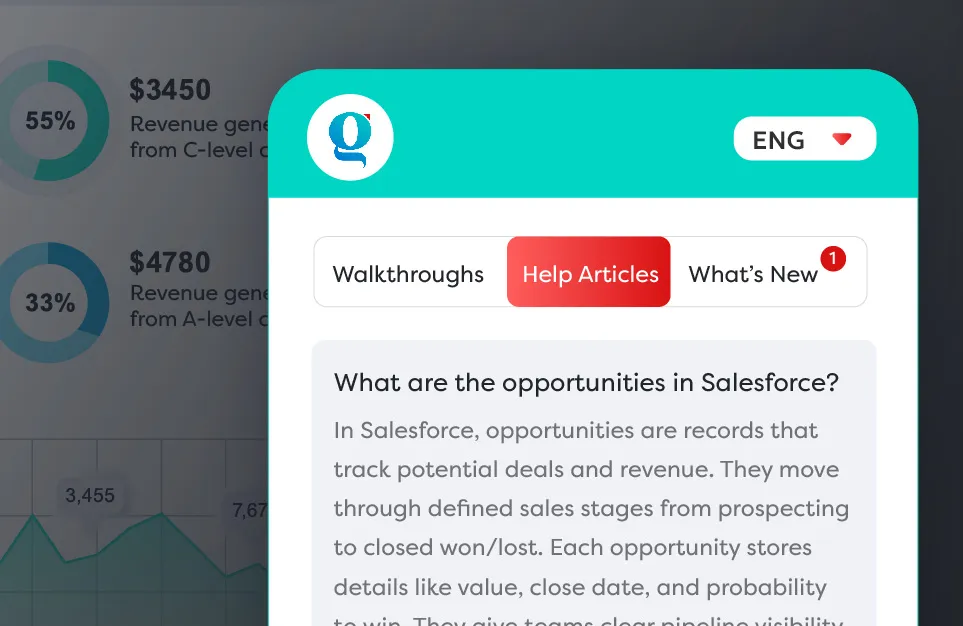
Help Articles
Display context-specific FAQs on the user's current screen, allowing them to get answers instantly without leaving the workflow.
- Solves queries quickly with no interruption.
- Improves user confidence & independence.
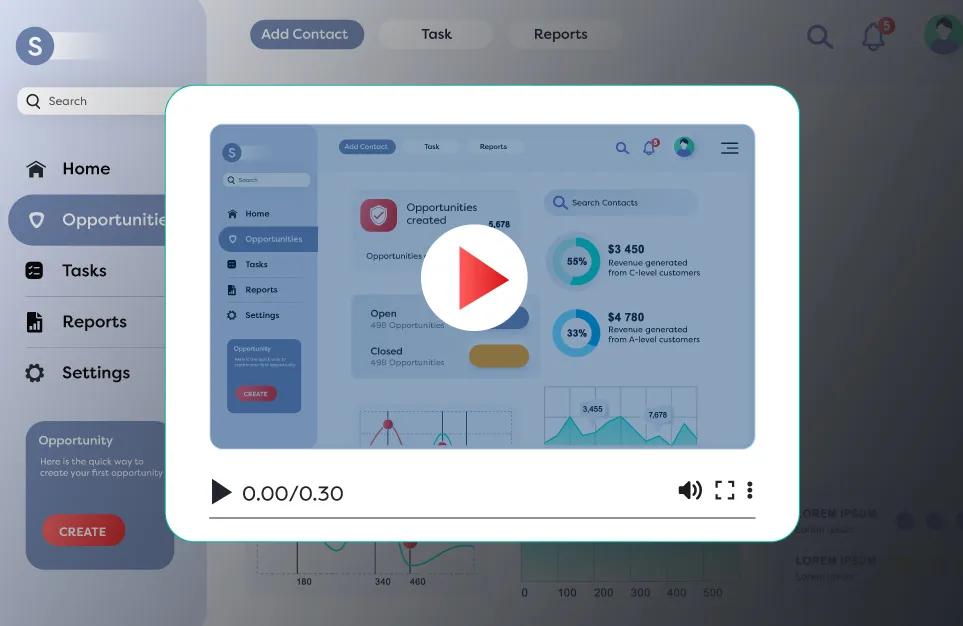
Short Videos
Deliver bite-sized learning clips that explain key processes in a concise format.
- Makes learning easy to consume anytime.
- Great for quick refreshers or busy users.
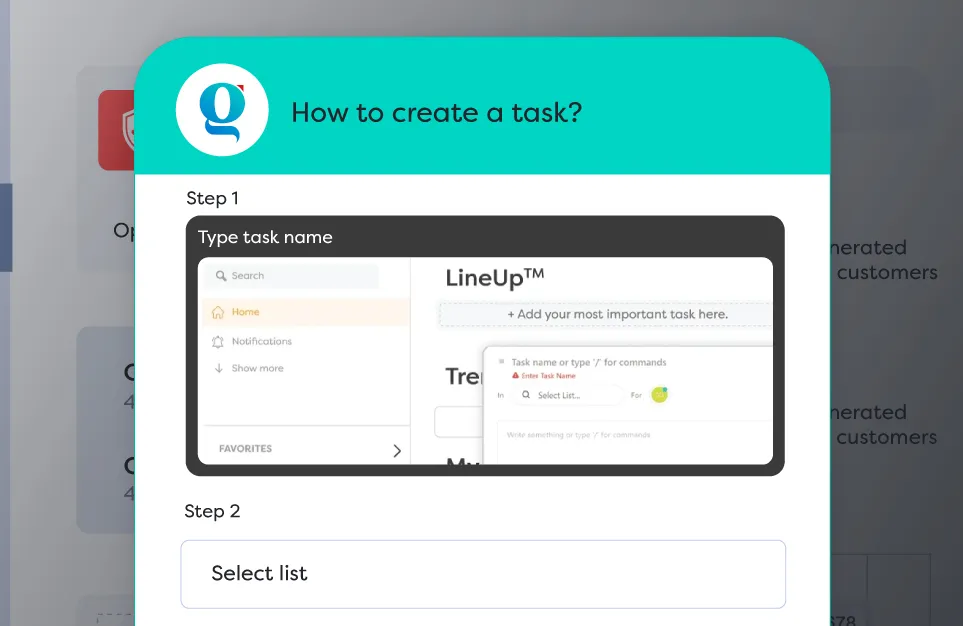
Step-by-Step Guides
Provide screenshot-based instructions that break complex tasks into simple, clear steps.
- Increases task accuracy and confidence.
- Reduces dependency on live support.
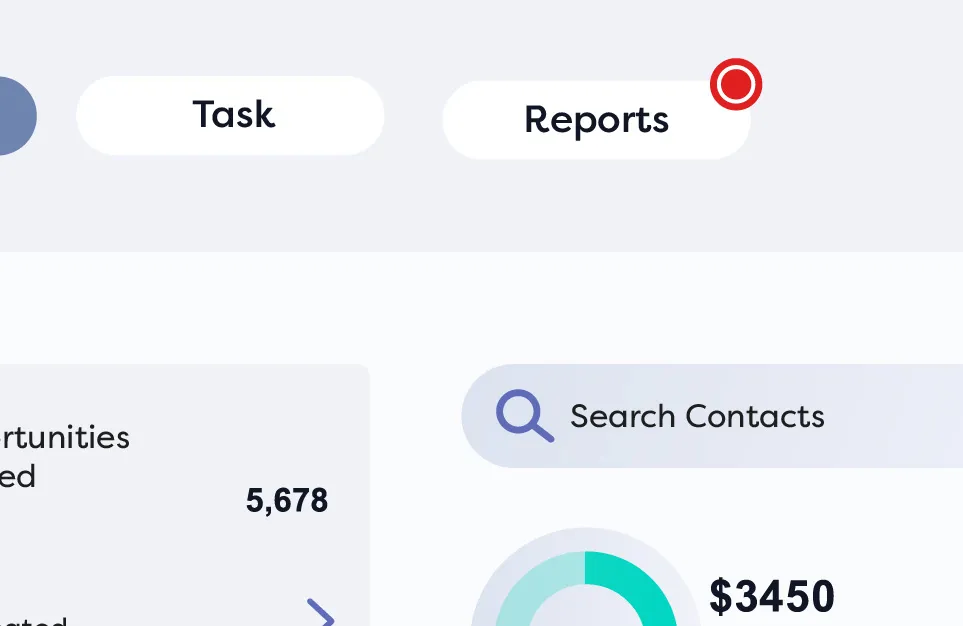
Beams
Highlight new features with a flickering red cue that stays visible until viewed, prompting users to explore what's new in the app.
- Keeps users informed about recent updates.
- Drives faster adoption of new features.
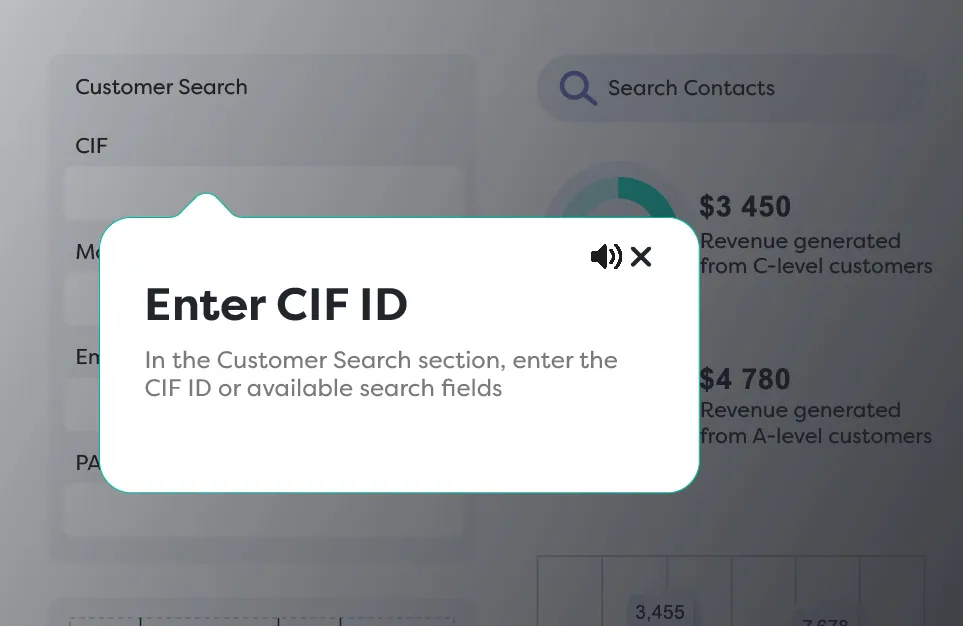
Assist Mode
Offer guidance only when necessary so experienced users can work distraction-free.
- Reduces learning fatigue for skilled users.
- Keeps workflows efficient and focused.
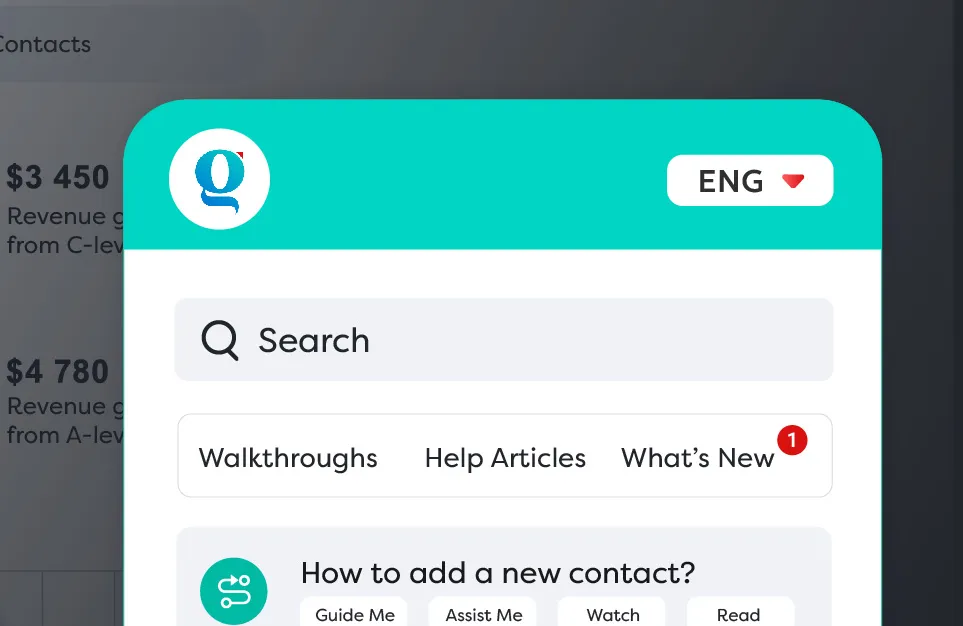
Search Help
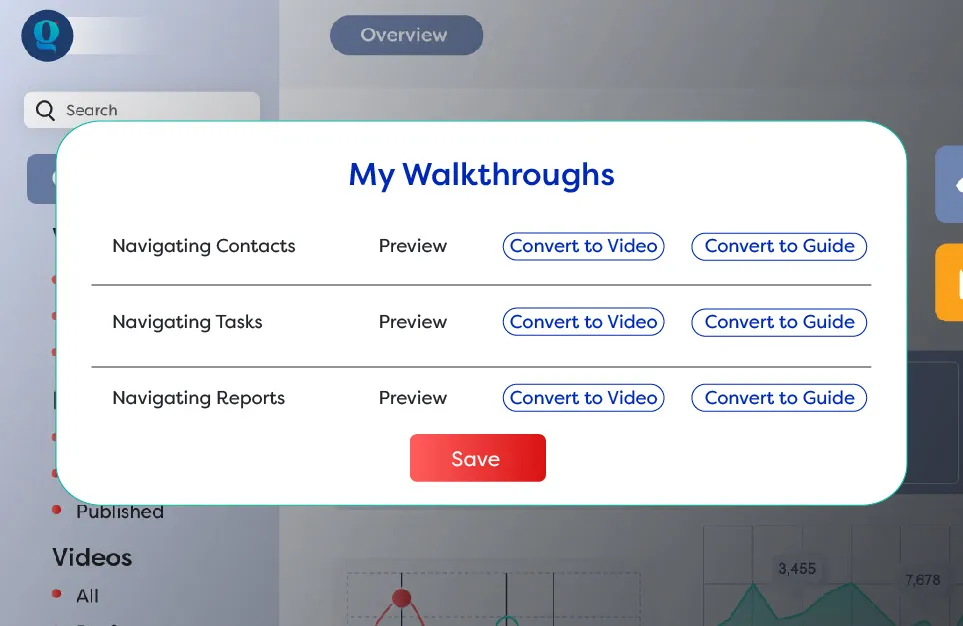
Allow users to instantly find walkthroughs, help articles, or videos with a quick keyword search.
- Reduces frustration by offering quick access to answers.
- Supports faster task completion with fewer interruptions.
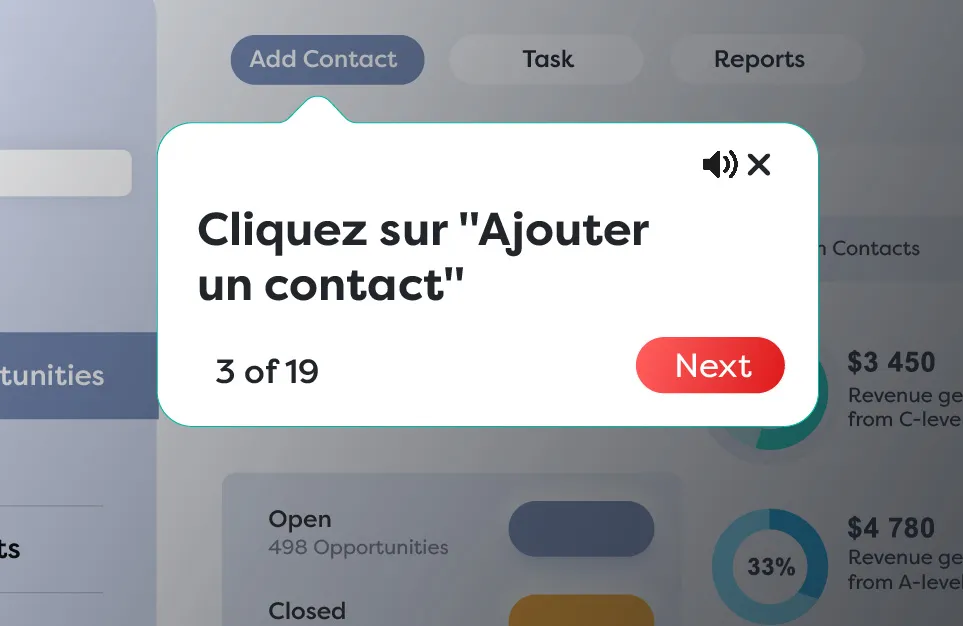
Multilingual Help
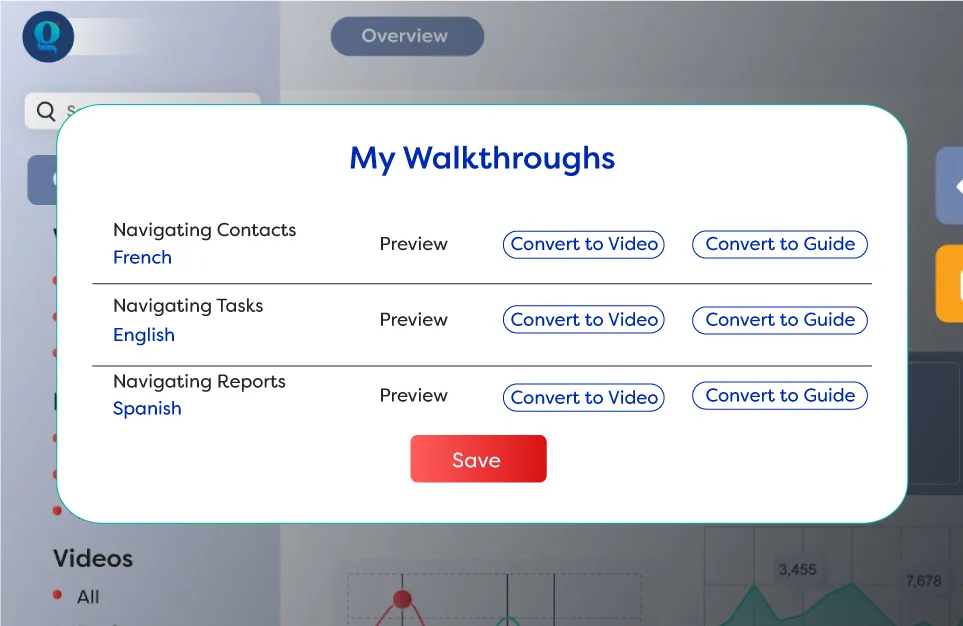
Provide guidance resources in multiple languages to support a diverse workforce.
- Ensures inclusivity and comprehension.
- Increases adoption across regions.
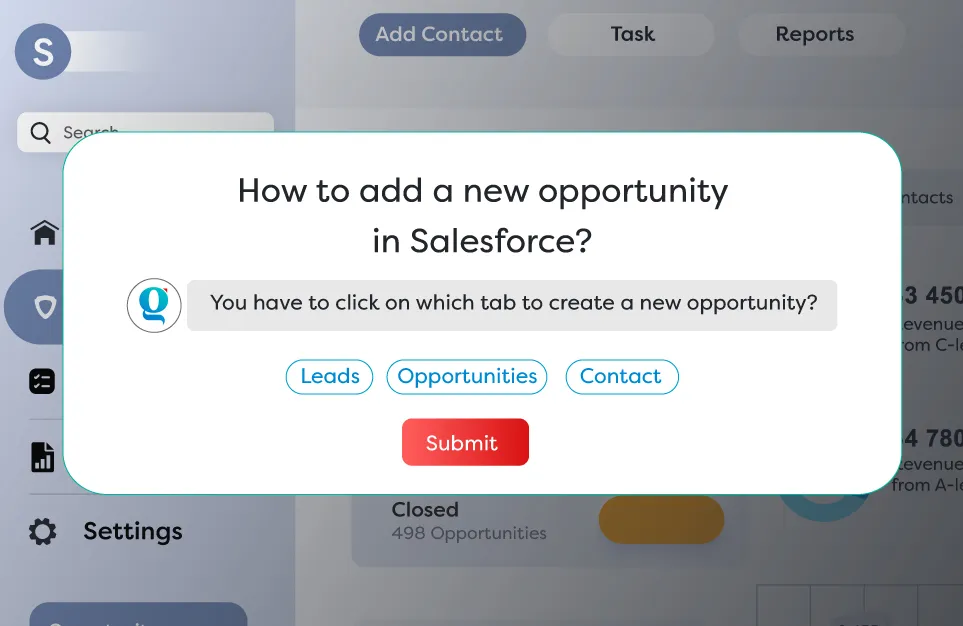
In-App Assessments
Embed short quizzes within the application to test users' understanding immediately after guidance.
- Reinforces learning through active recall.
- Helps identify knowledge gaps early.